
Non-Alumni Students who have not completed a degree at Harrisburg University should login to MyHU using the "Non-Alumni Student Login" option. These credentials are not linked to a Microsoft account and were provided by the OIS department.
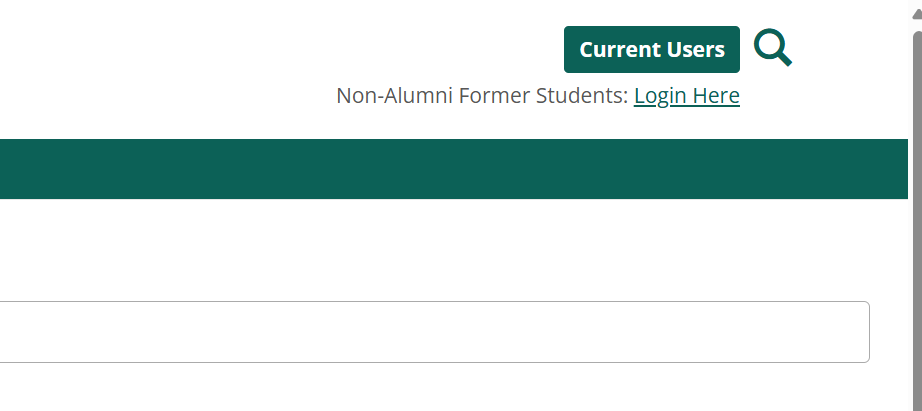
Click on the link in the upper right of the screen labeled: Non-Alumni Former Students: Login Here
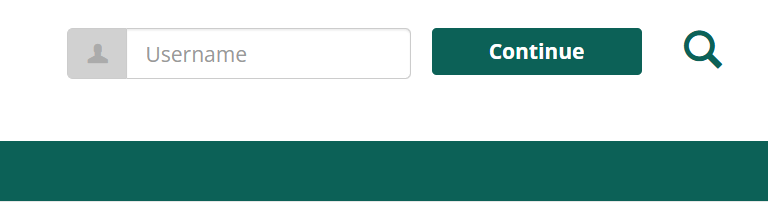
After clicking the Login Here link, enter your username.
Your username is the first portion of your former HU email address.
Example: Student@my.harrisburgu.edu would enter Student in the username field.
If you need to reset your password, click the I forgot my password link under the password field. An email will be sent to your personal email address on file.
(if you do not remember your username, please contact the Help Desk at oishelp@harrisburgu.edu)
On the next screen, you will be presented with an area where you can enter your password. Below this is a link:

Click the I forgot my password link. You will be emailed a link to reset your password to your personal email on file. If you do not receive an email. Please contact reghelp@harrisburgu.edu to update your personal email addresss.